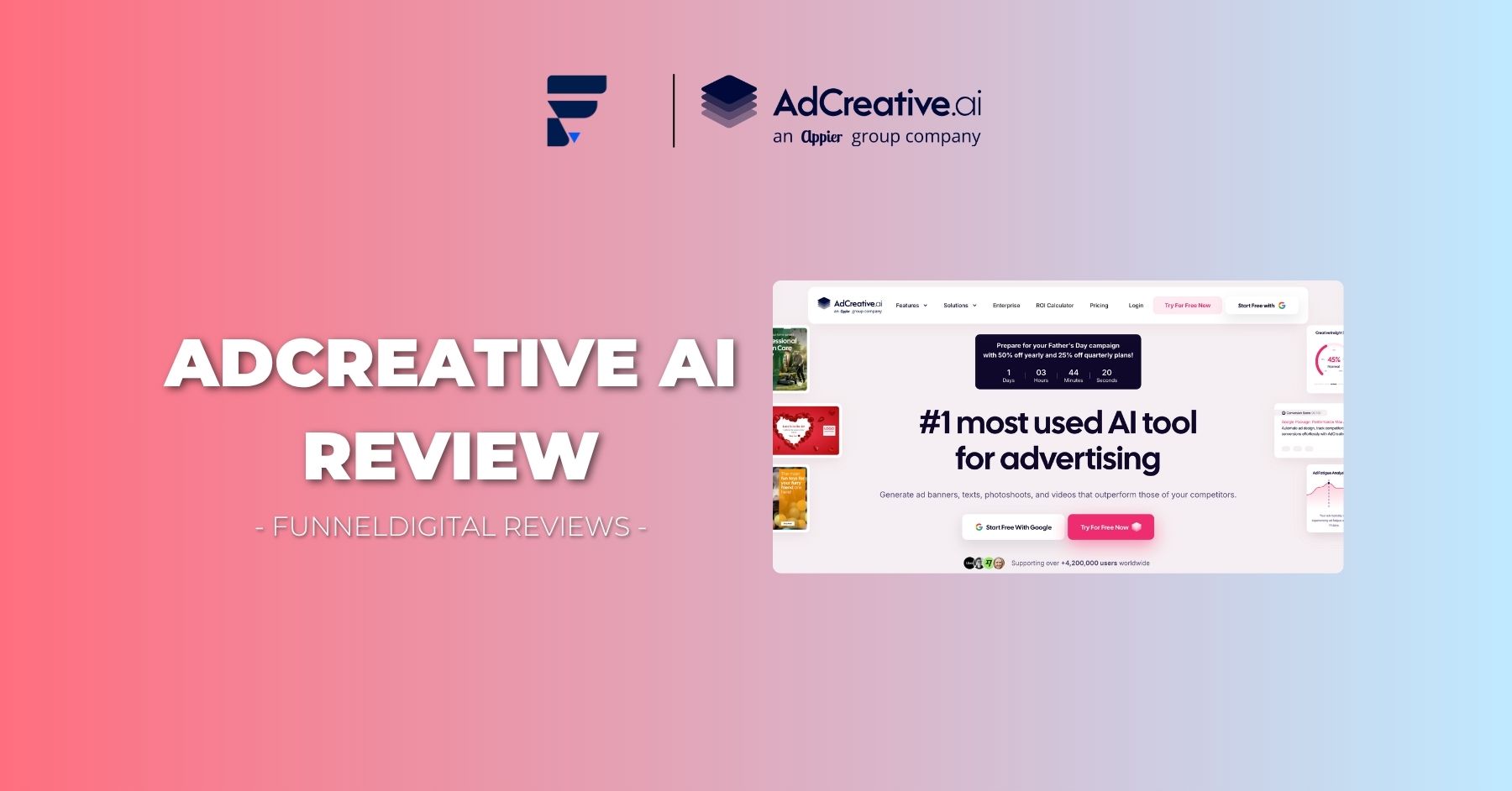
AdCreative.ai promises to replace your design team with an algorithm. This AdCreative AI review breaks down whether that promise holds up — covering pricing, real output quality, billing complaints, and exactly who should (and shouldn’t) sign up.
If you’ve spent hours waiting on a freelancer to turn around a single ad variation, the pitch behind AdCreative.ai is obviously tempting: upload your brand, click a button, get dozens of ready-to-run creatives. But before you hand over your card details, this AdCreative AI review walks through what the tool actually delivers, where it falls short, and the billing pattern you need to watch for.
AdCreative AI review: what the platform actually does
AdCreative.ai is a generative AI platform built for marketers, online sellers, and agencies who need ad visuals, copy, and video at volume. The pitch is that you skip the design bottleneck entirely — no briefs, no back-and-forth, no waiting on a creative team.
The company markets itself as the most widely used AI advertising tool on the market, and it backs that up with some large numbers: more than a billion creatives generated and a user base in the millions. It’s also been recognized as one of the fastest-growing software products on G2 for two years running, a notable feat given the sheer size of that marketplace.
Based on how the pricing tiers and feature set are structured, the tool seems built for four main groups:
- Solo founders or small teams who need polished ad visuals without hiring a designer
- Online stores that need product shots, lifestyle imagery, and video at scale
- In-house marketing teams running paid campaigns across multiple ad networks
- Agencies juggling creative production for several client accounts at once
That said, fitting into one of those buckets doesn’t automatically mean the tool is right for you — there are some real caveats covered later in this AdCreative AI review that are worth weighing first.
AdCreative AI review: breaking down what’s inside the platform
What stands out about AdCreative.ai isn’t a single feature — it’s the sheer breadth of what’s bundled into one subscription. Here’s what you actually get access to.
Ad creative generation
This is the flagship function. After importing your logo, color palette, and fonts, you pick a platform and format, and the system outputs a batch of creatives almost instantly — the company claims over 200 variations in roughly four seconds.
The layouts aren’t random; the model is trained on historical ad performance data, so it leans toward compositions statistically associated with stronger click-through and conversion patterns. Everything is automatically resized to fit Meta, Google, LinkedIn, and other major placements.
AI-generated product photography
For e-commerce sellers, this might be the most practical feature in the lineup. Rather than scheduling and paying for a studio shoot, you upload a single product photo and the AI reconstructs it into a polished, studio-style image — useful for both listings and paid ads, and considerably faster than a traditional shoot.
Video ads from static images
Using image-to-video generation, the platform converts a still product photo into a short, scroll-stopping video ad. You get several variations to test simultaneously, which is genuinely useful for teams trying to identify which creative angle resonates before scaling spend.
UGC-style video content
Authentic, creator-style video tends to outperform polished brand content on trust and engagement. AdCreative.ai’s UGC generator produces that look and feel without the cost or lead time of sourcing real creators.
Built-in ad copy generation
Every subscription tier includes a copywriting tool that drafts headlines and body text based on your product, audience, and brand voice — pulling from established copywriting frameworks rather than generating generic filler.
Creative performance scoring
This is arguably the most distinctive part of the platform. Before you spend a dollar in ad spend, the scoring engine — built on a convolutional neural network — predicts how a given creative is likely to perform, with a claimed accuracy above 90%.
In practice, that means you can discard weak creatives before they ever touch a live campaign, which could pay for the subscription on its own if you’re running meaningful ad budgets.
Competitor creative research
This feature surfaces the best-performing ads from competing brands across ad networks, letting you study what’s working in your niche before you build your own campaigns — a research function most standalone ad tools don’t offer.
Turning a URL into an ad
Drop in a link to any landing page, product page, or blog post, and the platform scans it and outputs targeted ad creatives automatically — handy for promoting content quickly without starting from scratch.
Audience and persona insights
By analyzing real visitor data — demographics, interests, on-site behavior — the platform builds out buyer personas you can use to sharpen targeting and messaging.
AdCreative AI review: how the workflow actually runs
The onboarding process is fairly minimal:
- Import your brand kit — logo, color scheme, and fonts sync in one step, so every output stays visually consistent with your existing identity.
- Pick your format — feed post, story, banner, or another supported layout; the system reshapes your brand assets to match.
- Generate and review — creatives appear within seconds, and you keep whatever you want for later use.
One detail that trips people up and deserves attention in any honest AdCreative AI review: generating creatives is unlimited, but downloading them isn’t. Each subscription tier comes with a fixed monthly allotment of download credits, and that distinction matters a lot when comparing plans.
AdCreative AI review: current pricing tiers
Pricing as of June 2026 breaks down across four tiers:
Starter — built for small operations
- 10 download credits per month
- 1 brand profile, 1 user seat
- Full access to AI generation tools, unlimited generations
- Ad copy generator, stock image library (100M+ images via iStock), competitor research, platform integrations
- $39/month billed monthly · $29/month billed quarterly · $20/month billed annually
Professional — built for scaling teams
- 50 download credits per month
- 3–10 brand profiles, up to 10 seats
- Everything in Starter, plus mobile app access
- $249/month billed monthly · $185/month billed quarterly · $125/month billed annually
Ultimate — built for agencies
- 100 download credits per month
- 5–25 brand profiles, 20–25 seats
- Everything in Professional, plus expanded team access
- $999/month billed monthly · $749/month billed quarterly · $500/month billed annually
Enterprise — custom
- Negotiated credit volume, commercially licensed models, data governance controls, custom model fine-tuning, full IP ownership of outputs, dedicated account support
A seasonal discount is currently live (June 2026): 50% off annual plans, 25% off quarterly plans. There’s also a 7-day trial that includes 10 credits, cancelable in two clicks with no contract required.
AdCreative AI review: where the platform genuinely delivers
It’s only fair that this AdCreative AI review starts the evaluation with what the tool gets right.
Output speed
This is the platform’s strongest selling point, full stop. Teams that used to wait hours or days for design revisions can now have twenty-plus variations ready in minutes — a meaningful efficiency gain for agencies juggling several client accounts.
Brand consistency without manual oversight
Once your assets are uploaded, every output respects your color palette, typography, and visual style automatically — a real upgrade over briefing freelance designers or relying on generic templates.
Cross-platform formatting
You generate once and get correctly sized assets for every major ad placement simultaneously, removing a tedious manual resizing step from the workflow.
No cap on experimentation
Because only downloads consume credits, you’re free to generate as many directions as you want before committing — there’s real value in being able to explore widely without watching a usage meter.
A built-in stock library
The inclusion of over 100 million stock images through iStock, at no extra cost, removes a line item many smaller teams would otherwise have to budget separately for.
Native ad platform connections
Publishing straight to Meta, Google, or LinkedIn without exporting and re-uploading saves real time in the day-to-day workflow.
Predictive creative scoring
Being able to estimate performance before spending a dollar is a genuinely rare capability, and it’s especially valuable for teams running high creative volume who need a way to triage what’s worth testing.
AdCreative AI review: the problems you should know about first
No fair AdCreative AI review can skip over the recurring complaints showing up across independent review platforms.
Billing is the most common complaint by far
This is the issue that comes up most consistently on Trustpilot and Capterra, and it’s serious enough to flag directly. A recurring theme: users report being moved onto a paid plan automatically once the trial ends, sometimes without a clear heads-up beforehand, then struggling to get a refund processed afterward. Several describe being told they’d missed a cancellation window by a narrow margin, and support response times during disputes have been a frequent source of frustration.
One user account waited roughly four months for a refund to be approved and paid out.
For reference, the official policy allows refund requests within 7 days on monthly plans and 30 days on annual plans, provided the account hasn’t been actively used. Approved refunds are said to process the same day but can take one to two weeks to actually appear, and disputes are handled through live chat or by emailing contact@adcreative.ai.
Given how often this surfaces in reviews, anyone signing up should set a reminder a day or two before the trial ends, screenshot the billing page after subscribing, and keep a written record if a cancellation is requested.
Not every output is usable
Real-world testing suggests a meaningful share of generated creatives — roughly a third in one documented batch — are usable without rework. Common issues include awkward cropping, generic-looking layouts, and text or banners overlapping important visual elements like faces.
Manually designed ads can still win
A six-week independent comparison found AI-generated creatives averaging a 2.3% click-through rate against 3.1% for hand-designed ads, with a higher cost per conversion on the AI side. That doesn’t mean the tool underperforms across the board, but it does complicate the bigger performance claims made in marketing materials.
The entry-level plan is tight
Ten downloads a month on the Starter tier isn’t much room for meaningful A/B testing, and smaller businesses evaluating the tool may run out of credits before they’ve gathered enough data to justify the upgrade.
Limited editing after generation
Once a creative is produced, there’s no easy way to tweak individual elements — you’re largely stuck regenerating from scratch if something’s almost right but not quite.
Support can be slow, especially on billing
Multiple users report waiting up to three days for a response on billing-related questions, which compounds the frustration when the issue is an unexpected charge.
AdCreative AI review: what actual users are saying
With over 4,000 reviews on Trustpilot, sentiment splits fairly cleanly into two groups.
People who are happy with the platform tend to mention:
- The sheer speed and volume of usable creative output
- Strong results from the ad copy generator specifically
- The product photoshoot feature performing better than expected
- Real time savings for both agencies and in-house teams
People who are unhappy tend to mention:
- Surprise charges after the trial period
- Difficulty reaching support or getting timely answers
- Long waits for refunds once approved
The pattern that emerges is fairly consistent: people who stay on top of their billing dates and use the tool for the right use case tend to be satisfied. People who hit a billing snag tend to have a noticeably rougher experience getting it resolved.
AdCreative AI review: integrations worth knowing about
Direct connections currently exist for:
- Meta (Facebook and Instagram)
- Google Ads
Linking your ad accounts does more than just streamline publishing — it also feeds performance data back into the platform’s model, which sharpens both the creative scoring predictions and audience targeting suggestions the longer your account is active.
AdCreative AI review: who should sign up, and who should hold off
A good fit if you are:
- An e-commerce brand that needs fast, on-brand product visuals and video at scale
- An agency producing creative volume across multiple client brands
- A paid media team that runs frequent tests and wants a scoring system to prioritize spend
- A marketer running simultaneous campaigns across Meta, Google, and LinkedIn
Probably not a fit if you are:
- A budget-conscious small business that needs serious testing volume — the 10-credit Starter plan won’t stretch far
- Someone who needs granular control over individual design elements after generation
- Someone with low tolerance for billing friction, given how often that complaint surfaces
AdCreative AI review: final verdict
After going through the feature set, the pricing structure, real user sentiment, and independent performance testing, here’s the honest takeaway from this AdCreative AI review.
For the right user, this tool delivers real value. The breadth of what’s included — product photography, UGC-style video, predictive creative scoring, and direct platform publishing — makes it a legitimately strong fit for agencies and mid-to-large marketing teams that need to produce and test at volume.
The creative scoring feature alone is arguably worth the subscription cost for anyone running serious ad spend, since it lets you filter out weak creatives before they cost you money.
That said, the billing complaints aren’t a handful of isolated incidents — they show up repeatedly across multiple independent review sites, and that’s a real factor to weigh before entering card details.
Our take: start with the 7-day trial and put your actual brand assets through it before judging anything. Set a hard reminder a day before the trial ends. If the output quality holds up and your billing experience is clean, the annual plan is the best value, particularly with the current seasonal discount active. If billing transparency is a non-negotiable for you, document every step of your signup and cancellation process as you go.
For agencies and high-volume e-commerce sellers, this AdCreative AI review lands on the positive side, with appropriate caution around billing. For smaller businesses on a tighter budget, weigh the Starter plan’s 10-download ceiling honestly against how much real testing you’ll actually need.
Frequently asked questions
What counts as a credit on AdCreative.ai?
Credits are only used when you download a finished creative — generating unlimited variations costs nothing extra. Credits reset every billing cycle.
Is there a free trial?
Yes, a 7-day trial that includes 10 credits, and it can be canceled in two clicks with no long-term commitment.
Which ad platforms does it connect to?
Meta (Facebook and Instagram), Google Ads, and LinkedIn, with automatic resizing across all standard formats for each.
What’s the refund policy?
Seven days for monthly subscribers, thirty days for annual subscribers, as long as the account hasn’t been actively used. Refund requests go through live chat or contact@adcreative.ai.
Is it a good choice for a small business?
It can be, but the Starter plan’s monthly download cap is genuinely limiting for real testing. Small teams should think through their actual volume needs before committing to a tier.
Read more: SJinn AI Review
Read more: AI Store Fortune Review