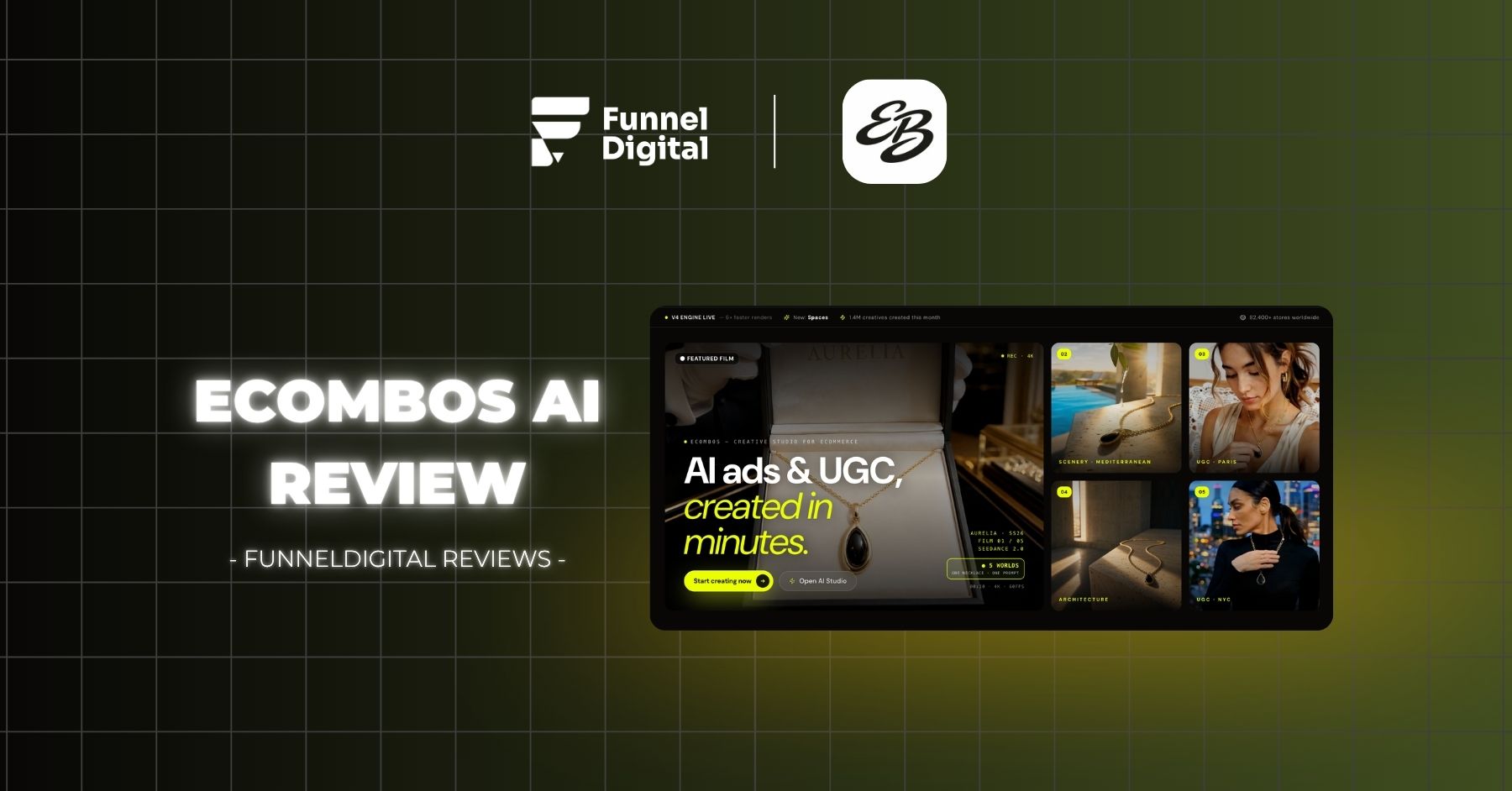
Our EcomBos AI review covers pricing, credits, AI Studio, and real test results to help you decide if this all-in-one creative tool fits your store.
EcomBos AI Review: Is This All-In-One AI Studio Worth It?
If you sell physical products online and you are tired of waiting on a photographer, a video editor, or a freelance UGC creator just to launch one campaign, this EcomBos AI review was written for exactly that frustration. We spent real time inside the platform — not just reading the landing page — testing the image models, the video models, and the AI Studio workflow that EcomBos markets as a complete creative department in a browser tab. Below, we break down what actually works, what is overpriced at the entry tier, and which plan makes sense depending on how seriously you are scaling your store.
This EcomBos AI review is built for performance marketers, agency owners, dropshippers, and solopreneurs who need to test new product angles fast without burning a production budget on every iteration. By the end, you will know exactly which plan to pick, which models to use for product photos versus UGC video, and where this tool genuinely saves money compared to hiring a traditional creative team.
EcomBos AI review: what this platform actually is
EcomBos positions itself as a creative studio built specifically for e-commerce, and after testing it hands-on, that description holds up better than most “all-in-one AI tool” claims we have evaluated. The platform combines image generation, video generation, and a higher-level automation layer called AI Studio into a single credit-based system. Instead of subscribing separately to a product photography tool, a UGC video generator, and a copywriting assistant, EcomBos folds all three into one dashboard.
The core idea behind this EcomBos AI review is simple: credits are the universal currency across the entire platform. Whether you generate a product photo, a 15-second UGC-style video, or a full ad script through AI Studio, everything draws from the same credit pool. Higher-quality models simply cost more credits per generation, and you choose how to spend your monthly allocation based on what your campaign actually needs.
What stood out immediately during testing is the sheer model selection. Inside the “Choose a Model” panel, you get access to dozens of underlying AI engines — Flux 2.0, Nano Banana Pro, GPT Image 2, Seedream 4.5 for images, and Veo 3.1, Kling 3.0, Runway Gen-4, and Seedance 2 for video — all inside one interface instead of ten separate subscriptions.
EcomBos AI review: who this tool is actually built for
Based on our testing, EcomBos fits three groups particularly well:
- Solopreneurs and small e-commerce operators who cannot justify a $2,000+ UGC production budget for every product test
- Performance marketers and agency owners who need to generate dozens of ad variations quickly to find a winning angle before scaling spend
- Brands validating new product ideas who want professional-looking creative assets before committing to inventory or a full content calendar
If you only ever need one or two product images a month, the value proposition weakens. EcomBos earns its price tag when you are producing creative volume — testing multiple hooks, multiple visual styles, and multiple video formats in the same week.
EcomBos AI review: pricing breakdown and which plan to choose
Pricing is where a lot of “AI all-in-one” tools fall apart once you read the fine print, so this section of the EcomBos AI review goes through the actual numbers rather than the marketing headline.
EcomBos offers four tiers, billed either monthly or annually (with roughly 20% savings on annual plans):
| Plan | Monthly Price | Annual Price | Credits/Month | Concurrent Generations | Export Quality |
|---|---|---|---|---|---|
| Starter | $19/mo | $15/mo ($180/yr) | 100 credits (~5 videos or 50 images) | 1 video, 2 images | Standard |
| Pro | $49/mo | $39/mo ($468/yr) | 300 credits (~15 videos or 150 images) | 2 videos, 4 images | HD |
| Ultimate | $99/mo | $79/mo ($948/yr) | 700 credits + 365 unlimited Nano Banana generations | 4 videos, 8 images | 4K |
| Creator | $199/mo | $159/mo ($1,908/yr) | 1,600 credits + full access to all premium models | 6 videos, 16 images | 4K |
Based on hands-on use, the Starter plan is genuinely limiting. At $19/month for only 100 credits, you can realistically produce around 5 premium videos or 50 images before running out — and that ceiling arrives faster than expected once you start testing multiple video models, since premium engines like Veo 3.1 or Kling 3.0 Pro can cost 25 to 35 credits per single generation. For anyone seriously testing creative angles weekly, Starter functions more as a trial tier than a working plan.
The real value in this EcomBos AI review shows up at the Pro and Ultimate tiers, both of which unlock “unlimited models” — a separate mechanic from the credit pool that lets you generate unlimited outputs on a rotating selection of models (Nano Banana, Seedream, FLUX.2, and others) at no credit cost, refreshed daily across a 365-day allowance. Pro includes 3 unlimited models, while Ultimate includes 8, covering tools like Seedream 4.0, Seedream 4.5, Nano Banana Pro, FLUX.2 Pro, FLUX.2 Flex, and Minimax Hailuo 2.3 Fast at no additional credit cost.
EcomBos AI review: why Ultimate is the best value tier
After testing across all four plans, Ultimate at $99/month (or $79/month billed annually) is the plan we recommend for most serious users, and here is the reasoning behind that recommendation in this EcomBos AI review:
- 4K export quality — Starter and Pro cap out at standard or HD exports, which matters if your ads run on Meta or TikTok where image sharpness affects perceived product quality
- 8 unlimited models included, covering both flagship image engines (Nano Banana Pro, Seedream 4.5) and fast video models, which meaningfully reduces how often you touch your paid credit pool
- 700 credits monthly plus 365 unlimited Nano Banana generations, which in practice means you rarely feel credit-starved unless you are running premium video models like Sora 2 or Veo 3.1 daily
- 4 concurrent video and 8 concurrent image generations, a real productivity unlock when you are testing several creative variations side by side instead of waiting in a queue
The Creator plan at $199/month exists mainly for agencies managing multiple client accounts who need 1,600 monthly credits and the highest concurrency. For a single store or a small portfolio of products, Ultimate covers the workload without the agency-level price tag.
EcomBos AI review: testing the image generation models
A meaningful part of any honest EcomBos AI review has to cover model selection, because the platform’s biggest differentiator is choice rather than a single proprietary engine. Inside the Image tab, EcomBos surfaces over a dozen models, each with its own credit cost and stated specialty — Flux 2.0 for high-fidelity visuals, Ideogram v3 for text-heavy graphics, Seedream 3.0 for photorealistic product photography, and GPT Image 2 for near-perfect text rendering at 4K.
EcomBos AI review: GPT Image 2 for product photography
Based on direct testing across multiple product categories, GPT Image 2 is the most reliable model for commercial product photography inside EcomBos. It consistently produced stable, accurately-proportioned product renders without the warping or duplicated-object artifacts that lower-tier models occasionally introduced. At 2 credits per generation, it is also one of the cheaper premium options on the image side, which makes it the practical default whenever the goal is a clean catalog-style or hero product shot rather than a stylized creative concept.
For brands that need packshots specifically, EcomBos also has a dedicated Packshot Generator tool under its broader Features set, separate from the general image model picker, designed to turn a single product photo into studio-quality output with controlled lighting and background.
EcomBos AI review: other notable image models
A few other models worth knowing about from hands-on testing:
- Nano Banana Pro (4 credits) — strongest for next-gen, multi-image composite work, useful when combining a product with lifestyle backgrounds
- Seedream 4.5 (3 credits) — versatile for premium text rendering, helpful for ad creatives that need legible on-image copy
- Recraft v3 (3 credits) — solid alternative for multi-image, text-render-heavy graphics like banners or carousel ad sets
The takeaway from this part of the EcomBos AI review is that the platform does not force you into one “good enough” model. You pick based on the specific job — packshots, lifestyle composites, or text-heavy ad graphics — and the credit cost scales accordingly.
EcomBos AI review: testing the video generation models
Video is where EcomBos clearly invests the most engineering effort, and it is also where this EcomBos AI review found the most meaningful differentiation versus competitors.
EcomBos AI review: Seedance 2 versus Veo 3.1
The two models worth comparing directly are Seedance 2 and Google’s Veo 3.1, since they represent very different trade-offs.
Veo 3.1 is listed as the “TOP” model with native audio support, but it caps at 8 seconds per generation and costs 35 credits at full quality (25 credits for the Fast variant). Seedance 2, by comparison, supports up to 15 seconds of cinematic video with audio and costs only 10 credits per generation — roughly a third of the credit cost for nearly double the runtime.
Based on hands-on testing, Seedance 2 is the more practical default for most e-commerce ad use cases. A 15-second clip gives enough room to show a product hook, a core benefit, and a call to action without needing to stitch two separate 8-second Veo clips together. The cost efficiency compounds quickly: at Ultimate-tier credit allocation, you can produce roughly three Seedance 2 videos for the credit cost of one Veo 3.1 generation.
That said, Veo 3.1’s native audio handling and Google’s underlying model quality still make it worth using selectively — particularly for hero ads where production polish matters more than volume, or where you are only producing a handful of final assets rather than testing dozens of variations.
EcomBos AI review: other video models worth testing
The video model library also includes:
- Kling 3.0 Pro (30 credits) — newest flagship Kling release supporting multi-image upload, strong for product-in-motion shots
- Runway Gen-4 (16–32 credits) and Runway Aleph (22 credits) — reliable for cinematic, extendable clips with logo integration
- Kling 2.6 Pro (28 credits) — fluid motion with native audio, a strong middle-ground option
- HeyGen UGC Avatar (50–100 credits) — the premium tier for talking-presenter UGC-style ads
Note that during testing, Sora 2 and Sora 2 Pro showed as “currently down — temporarily unavailable.” This is worth flagging directly in this EcomBos AI review: model availability on third-party aggregator platforms like EcomBos depends on upstream API access, so occasional downtime on specific premium models is a realistic expectation rather than a platform-specific flaw. If a single model being your top priority, it is worth checking live availability before committing credits to a campaign plan built entirely around it.
EcomBos AI review: the UGC video and product visibility angle
One of the strongest practical use cases that came out of testing is UGC-style video generation for brand and product visibility. Rather than booking a human creator, waiting five to seven days for delivery, and paying anywhere from $150 to $500 per finished video — the going rate for human UGC creators as of 2026 — EcomBos lets you generate creator-style ad footage directly from a product image or script in minutes.
What makes this meaningful for this EcomBos AI review is not just speed, but iteration volume. Traditional UGC production makes testing multiple hooks expensive, because every script variation means a new shoot. With AI-generated UGC inside EcomBos, you can produce several angle variations from the same script for a fraction of the cost, then let actual ad performance — not guesswork — decide which version to scale.
Based on real use, the natural-feeling output quality holds up best when the script and avatar pairing stays close to a believable, low-key delivery style rather than an overly scripted, hard-sell tone. This mirrors a broader trend across the AI UGC space in 2026: outputs that read as native, in-feed content consistently outperform polished, obviously-produced ads on platforms like TikTok and Instagram Reels.
EcomBos AI review: inside the AI Studio workflow
The feature that separates EcomBos from a simple image-and-video generator is AI Studio, and this section of the EcomBos AI review covers it in depth because it is genuinely the platform’s most ambitious component.
AI Studio is built to manage brand visibility end-to-end rather than producing one-off assets. From hands-on testing, the workflow covers:
- Brand guidelines — defining a consistent visual and tonal identity that other AI Studio outputs reference
- Video scripts — AI-assisted script generation for ad and UGC content
- Ad copy — headline and description generation aligned to the brand voice
- Content calendar — planning and sequencing output across a campaign timeline
- Email content — supporting copy for retention and launch sequences
- Product photography, logo, label, and packaging design — visual asset generation that extends beyond ads into full product branding
In practice, this turns EcomBos into something closer to a one-person creative department than a single-purpose generator. For a solopreneur testing a new product, the ability to move from a blank product photo to a logo, a label concept, an ad script, and a finished UGC video — all inside one platform, with one subscription — is the single biggest argument in this EcomBos AI review for why the tool earns its monthly cost rather than just adding to subscription fatigue.
EcomBos AI review: the learning curve is real
To keep this EcomBos AI review balanced, it’s worth being direct about the platform’s biggest weakness: the sheer number of tools creates a genuine learning curve in the first few sessions. Because EcomBos packs image generation, video generation, AI Studio’s branding suite, and dozens of individual models into one interface, new users can feel a bit lost figuring out where each function lives and how the credit system applies across different tools.
This is not a dealbreaker, but it is worth setting expectations correctly: budget your first week with EcomBos as an exploration period rather than expecting full production speed on day one. Once the dashboard layout and model selection panel become familiar, the workflow speeds up considerably — but the all-in-one breadth that makes EcomBos powerful is the same breadth that makes onboarding slightly heavier than a single-purpose tool would be.
EcomBos AI review: pros and cons after hands-on testing
To summarize the hands-on findings in this EcomBos AI review:
What works well:
- Massive model selection across image and video, letting you match the tool to the specific job instead of settling for one general-purpose engine
- Seedance 2 offers an excellent cost-to-runtime ratio for video (15 seconds at 10 credits versus 8 seconds at 35 credits for Veo 3.1)
- GPT Image 2 is a dependable default for commercial product photography
- AI Studio extends the platform well beyond ad creative into full brand asset production — scripts, copy, calendars, packaging, and logos
- Ultimate and Creator tiers unlock genuinely useful unlimited-model access, reducing day-to-day reliance on the paid credit pool
- UGC-style video generation meaningfully undercuts traditional creator costs for early-stage creative testing
Where to be cautious:
- The Starter plan’s 100 monthly credits run out quickly — realistically a trial tier rather than a working plan
- Premium models like Sora 2 can show temporary unavailability, since EcomBos depends on upstream API access for top-tier engines
- The breadth of tools means a real onboarding curve in the first few sessions before the workflow feels intuitive
None of these points are severe enough to outweigh the core value proposition, but they are worth knowing before you pick a plan.
EcomBos AI review: final verdict
After testing EcomBos across its image models, video models, pricing tiers, and the AI Studio workflow, the conclusion of this EcomBos AI review is straightforward: this is one of the more genuinely useful all-in-one AI creative platforms currently available for e-commerce sellers, provided you choose the right plan from the start.
Skip Starter unless you only need to test the waters. If you are serious about producing creative volume — multiple ad angles, multiple UGC scripts, and full branding assets — Ultimate at $99/month ($79/month billed annually) is the plan that delivers the best balance of credit allocation, 4K export quality, and unlimited-model access relative to cost. For solopreneurs and lean e-commerce teams who need a creative department without the overhead of one, EcomBos earns the recommendation in this EcomBos AI review as a serious tool worth testing against your current production workflow.
EcomBos AI review: frequently asked questions
Is EcomBos good for beginners? Yes, though expect a short learning curve. The Starter plan is reasonable for testing the interface, but its 100 monthly credits will not support serious production volume.
Which EcomBos plan is the best value? Based on testing, Ultimate ($99/mo or $79/mo annually) offers the best balance of credits, 4K exports, and unlimited model access for most active users.
What is the best EcomBos model for product photos? GPT Image 2 produced the most consistent, commercially usable product photography results during testing.
What is the best EcomBos model for ad videos? Seedance 2 offers the best cost-to-length ratio, producing up to 15 seconds of video at 10 credits, compared to 8 seconds at 35 credits for Veo 3.1.
Can EcomBos replace a full creative team? For early-stage testing and lean teams, yes — AI Studio covers branding, scripts, copy, and visuals in one workflow. For large-scale agency production, it works best as a speed and cost layer alongside human creative oversight.
Read more: SJinn AI Review
Read more: AdCreative AI Review